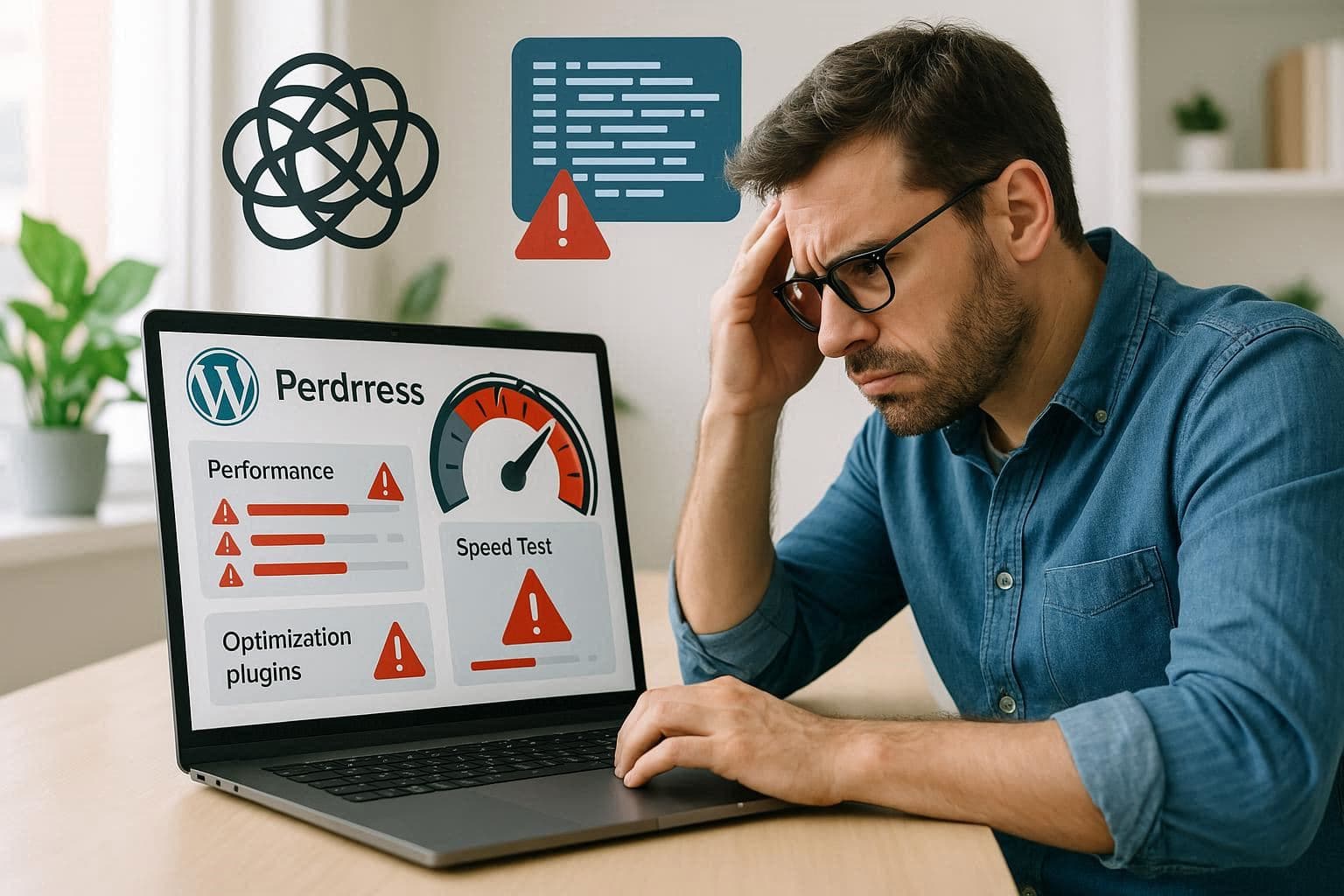
If you’ve installed every speed plugin out there and your site’s still sluggish — you’re not alone. Let’s uncover what’s really happening.
Linked from [What Makes a Website Load Fast?]
Disclosure: some links in this article are affiliate links. If you buy through them we may earn a commission at no extra cost to you. It does not change what we recommend.
1. Overloaded Hosting
Even the best plugin can’t fix poor server performance. Consider upgrading to:
2. Plugin Conflicts
Using multiple optimization plugins can cause redundancy or script conflicts. Stick to one caching plugin, like WP Rocket.
3. Unoptimized Images
Even “optimized” sites can have oversized images. Learn fixes at [Why Your Images Are Slowing Down Your Website].
4. Too Many External Requests
Third-party scripts (ads, analytics, chat widgets) can slow down rendering. Audit and remove unnecessary ones.
5. Database Bloat
Regularly clean your database and delete post revisions.
Audit your full stack using [Perfmatters] or migrate to Kinsta for a faster, conflict-free environment.
Need a WordPress developer?
Let's build something fast, scalable, and SEO-ready — from a custom theme to a full headless stack.
Get in Touch