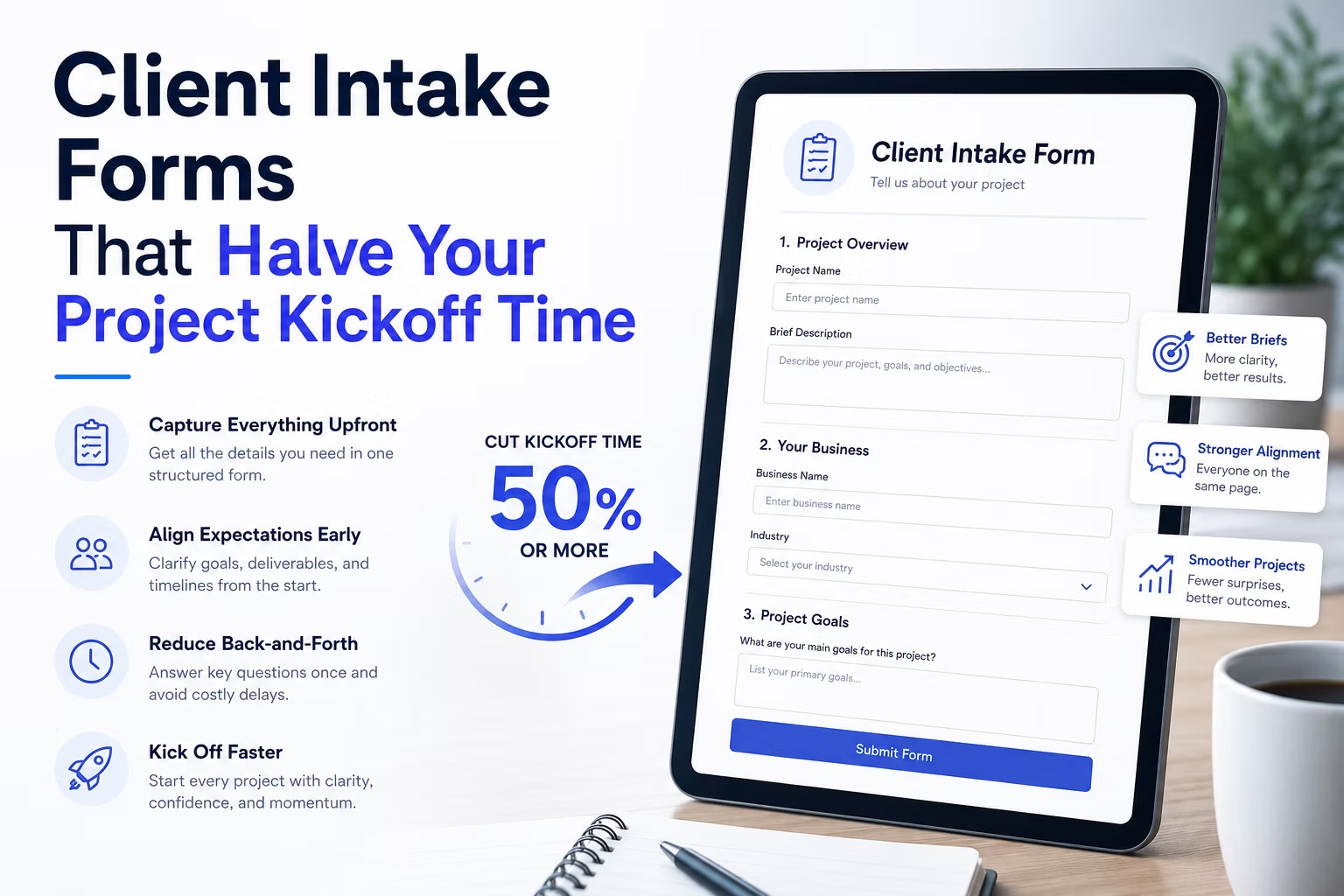
The contract is signed on the first of the month. Work starts properly on the nineteenth. In between there are four emails asking for logo files, two asking who can approve copy, one hunting for domain registrar access, and a week of silence while somebody looks for the photography from the last rebrand.
That gap is not a client problem. It is a process problem, and a properly built intake form closes most of it. The goal is not to collect information. It is to force the decisions that always stall a project into the first week, while the client is still enthusiastic and responsive.
Disclosure: some links in this article are affiliate links. If you buy through them we may earn a commission at no extra cost to you. It does not change what we recommend.
Collect the things that actually block work
Most intake forms ask about brand values and target audience. Useful for the strategy conversation, useless for unblocking week one. Sort every question by whether its absence stops work.
These are the genuine blockers on a typical WordPress build:
- Domain registrar access. Who controls the domain, and can they reach the DNS panel? This is the single most common cause of a delayed launch and it always surfaces too late.
- Hosting and existing site credentials. Including whether anyone knows the WordPress admin password for the site being replaced.
- Logo files in a usable format. Vector, not a JPEG someone exported from a slide deck.
- Who signs off. One named person. Not a committee, not a department.
- Content owner and realistic date. Client-supplied copy is the second most common cause of overrun.
- Third-party accounts. Analytics, mail service, CRM, payment processor, plus who owns each.
Ask those six first. Everything else can wait for the kickoff call, and pushing them to the top of the form gets the slowest items moving on day one.
Ask the sign-off question directly
The most valuable field on an intake form is the one asking who has final approval. It feels blunt, and it prevents the most expensive category of project failure.
Word it plainly: Who has final approval on design and copy? Please give one name and email address. If the answer is three names, you have discovered before starting that approval will take three rounds, and you can price and schedule accordingly rather than absorbing it.
Two adjacent questions do similar work. Asking who will be maintaining the site after launch changes what you build and how much training is needed. Asking what would make this project a failure gets you a more honest answer than asking what success looks like, because people are considerably more specific about what they are afraid of.
Make asset collection the form’s job
Assets arriving by email is where projects go to die. A file that lands in a thread from three weeks ago is functionally lost.
Put upload fields directly in the form: logo files, brand guidelines, photography, existing copy. The submission then holds the assets and the answers in one record, attached to the client, and available to whoever picks the project up.
This is exactly the kind of structured, conditional, multi-part form that commercial plugins handle without custom work. WPForms covers file uploads, conditional sections and entry management in one place, which matters more on an internal form than on a public one because you will be reading these entries months later trying to remember what was agreed.
Set a sensible file size limit and tell the client what it is, because a large file will fail silently and they will assume it worked. For anything bigger, offer a shared folder link instead.
Use conditional logic so nobody answers irrelevant questions
An intake form covering every project type the studio takes on becomes forty questions, most irrelevant to any one client, which guarantees a half-finished submission.
Branch on project type at the top:
| Project type | Extra questions triggered |
|---|---|
| New brochure site | Content owner, page list, sign-off |
| Redesign of existing site | Current admin access, what must be kept, redirect map |
| Ecommerce | Product count, payment processor, shipping and tax rules |
| Booking or appointments | Services, staff, availability rules, calendar accounts |
| Maintenance takeover | All credentials, current host, existing licences and renewal dates |
Each client answers ten to fifteen questions that all obviously apply to them. The form as a whole covers everything the studio does. That last row matters more than it looks: taking over a site without knowing which premium licences it depends on is how you find out at renewal, and it is the same audit described in the guide to client handover without losing control.
Handle credentials responsibly
An intake form that asks for passwords in a text field creates a genuine problem. Those values sit in the WordPress database in plain text, in the notification email, and in your inbox indefinitely.
Better options, in order of preference:
- Do not ask for passwords at all. Ask the client to create an account for you, or to add you as a delegated user. This is better security and better practice, and it survives the client changing their own password.
- Use a shared password manager. Send an invite and collect credentials there. The form asks for confirmation that it has been done, not for the secret.
- If a value must pass through the form, set that entry to be purged on a schedule, exclude it from the notification email, and delete it once used.
Whatever you choose, decide how long intake entries are retained and stick to it. An entries table holding two years of client credentials and staff contact details is a liability sitting on a site you may not even host any more.
Where the entry should end up
The intake submission is the start of the project record, not a message. Route it accordingly: create the project in whatever the studio runs, notify the person who will actually do the work rather than a shared inbox, and keep the entry accessible for the life of the engagement.
If the studio uses a CRM, push the entry into it automatically rather than relying on someone to re-key it. That handoff between a WordPress form and the systems around it is the same integration pattern described in the HighLevel and WordPress integration guide, and it applies equally to whatever platform the studio actually runs.
Frequently Asked Questions
Should a client intake form be public or private?
Private. Send a direct link after the contract is signed, and either keep the page out of the navigation and the sitemap or protect it with a password. It is an internal workflow document, it asks questions no prospect should see, and it will attract spam if it is indexable.
How long should an intake form be?
Ten to fifteen questions per client, achieved through conditional branching rather than a genuinely short form. Relevance is what keeps completion rates high, not brevity. A client will answer fifteen questions that clearly concern their project and abandon twenty-five that mostly do not.
Is it safe to collect passwords through a form?
It is best avoided. Ask the client to create an account for you or add you as a delegated user, or exchange credentials through a shared password manager. If a secret must pass through the form, keep it out of the notification email and purge the entry on a schedule rather than letting it sit in the database indefinitely.
What is the single most valuable intake question?
Who has final approval, named individually. It surfaces the approval structure before the first design is presented, and unclear sign-off causes more overrun on small web projects than any technical factor. Domain registrar access is a close second, because it blocks launch and always surfaces late.
Can the same form work for every project type?
Yes, with conditional logic branching on project type at the top. One form is easier to maintain and improve than five near-identical ones, and every improvement you make from a project that went badly applies to everything that follows.
Build the form around what blocks work, force the sign-off and access questions into week one, collect assets in the form rather than by email, and be deliberate about credentials. The gap between contract and first real day of work is the cheapest thing in a studio to fix.
Need a WordPress developer?
Let's build something fast, scalable, and SEO-ready — from a custom theme to a full headless stack.
Get in Touch