Every agency hits the same awkward point. You are holding fifteen client sites across four different hosts, nobody can remember which login belongs to which invoice, and the total is climbing faster than the retainers are. At that point you stop shopping for the fastest host and start shopping for the cheapest defensible one.
Pressable, Automattic’s managed WordPress host, has reorganised its plans into two families, and the per-site maths is now simple enough to hold against what you are already paying. This is that comparison: what each tier costs per client site, where it beats Kinsta, where Cloudways still undercuts both, and the three things about the platform that will annoy you.
Disclosure: some links in this article are affiliate links. If you buy through them we may earn a commission at no extra cost to you. It does not change which tools we recommend or what we say about them.
The short answer
- Holding 10 sites? Pressable and Kinsta cost the same to the dollar. Choose on features, because price tells you nothing here.
- Holding 20 or more? Pressable comes out a little cheaper per site, and the gap widens as you climb the tiers.
- Happy sizing your own servers? Cloudways is still roughly half the price per site, and you absorb the work that difference pays for.
- One site doing serious traffic? That is where Pressable gets expensive, because pricing switches to a per-site model.
- Watch the visit caps. Pressable still meters monthly visits. Most of its competitors have moved to bandwidth or stopped counting.
What the two plan families actually cost
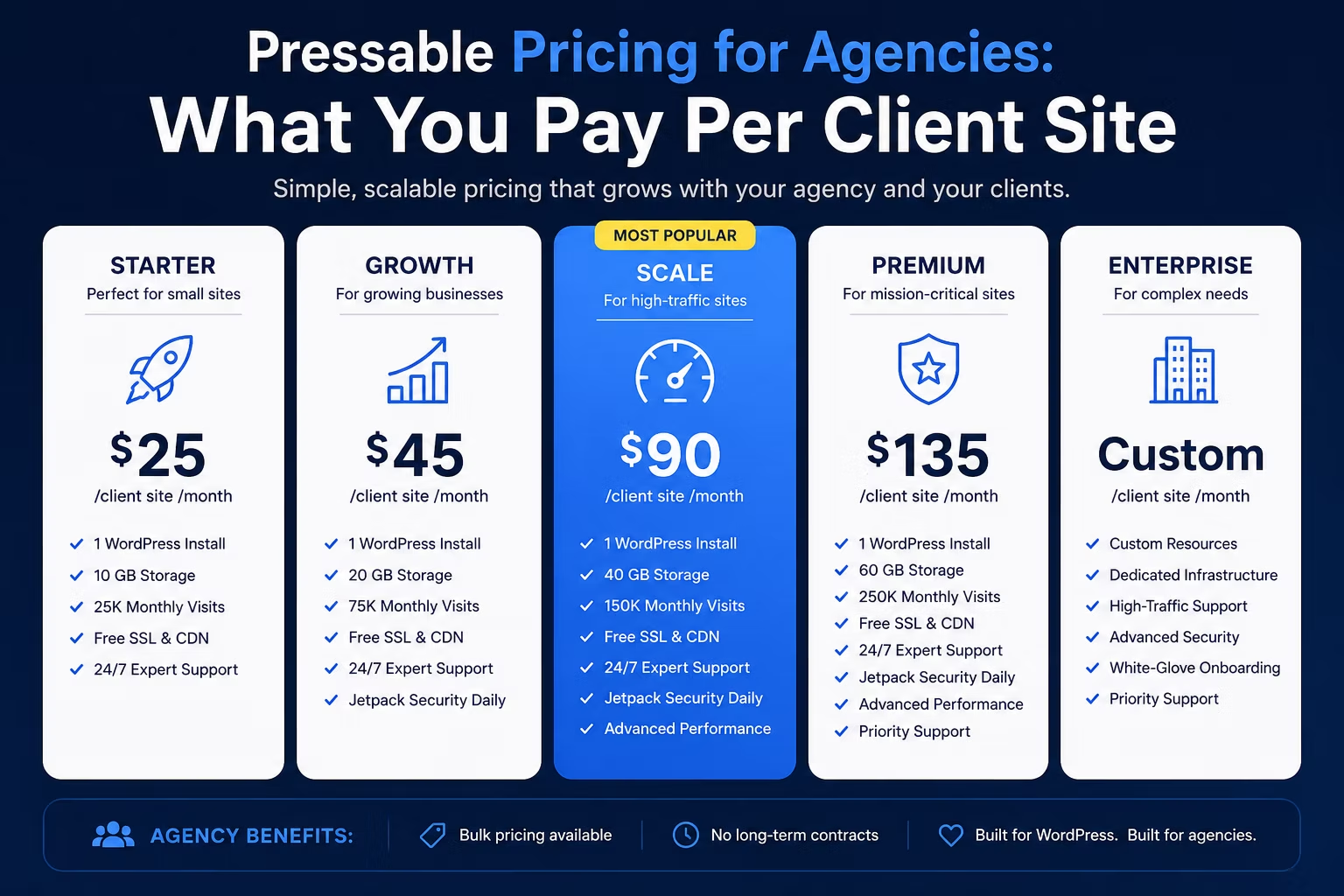
Pressable pricing for agencies splits into two plan families, and they work on completely different models. Signature plans are the portfolio tier: you buy a bucket of installs plus a pooled visit allowance and spread client sites across it. Premium Site plans are priced per site, for the one build that cannot share.
Here is the Signature ladder on monthly billing, with the per-site figure that actually matters:
| Plan | Installs | Pooled monthly visits | Storage | Monthly billing | Per site |
|---|---|---|---|---|---|
| Signature 1 | 1 | 30,000 | 20GB | $25 | $25.00 |
| Signature 2 | 3 | 50,000 | 30GB | $45 | $15.00 |
| Signature 3 | 5 | 75,000 | 35GB | $60 | $12.00 |
| Signature 4 | 10 | 150,000 | 50GB | $90 | $9.00 |
| Signature 5 | 20 | 400,000 | 80GB | $155 | $7.75 |
| Signature 6 | 50 | 1,000,000 | 200GB | $350 | $7.00 |
| Signature 7 | 80 | 1,600,000 | 275GB | $545 | $6.81 |
| Signature 8 | 100 | 2,000,000 | 325GB | $675 | $6.75 |
Annual billing takes roughly two months off, so Signature 5 falls from $155 to about $129 a month. Every tier includes staging and sandbox sites, hourly and daily backups, edge caching with a global CDN, and Jetpack Security. Migrations are free, which matters more than it sounds when the whole point of the exercise is consolidating fifteen sites off four hosts.
Premium Site plans start at $350 a month for a single site, with ten base vCPUs and storage sized to the build. That is the tier for a store doing real revenue, or a site that spikes hard whenever a campaign lands. It is worth checking the current Pressable plans and pricing against a specific client before you commit anything.
Cost per client site, next to what you pay now
The number to compare is never the plan price. It is the plan price divided by the client sites sitting on it. On that basis:
| Portfolio | Pressable | Kinsta | Cloudways (DigitalOcean) |
|---|---|---|---|
| 1 site | $25, Signature 1 | $35, Single 20GB | $11, 2GB server |
| 10 sites | $90, or $9.00 a site | $90, or $9.00 a site | $88, or $8.80 a site |
| 20 sites | $155, or $7.75 a site | $170, or $8.50 a site | $88, or $4.40 a site |
| 40 sites | $350 on Signature 6, which covers 50, or $7.00 a site | $290, or $7.25 a site | server sized to load |
Read that honestly, because it does not say what a hosting sales page would say.
At ten sites Pressable and Kinsta are identical, so price is not a tiebreak and you should decide on the things you touch every day instead. At twenty sites Pressable is around 9% cheaper. At forty, Kinsta is cheaper again, because Pressable’s next rung jumps to a plan sized for fifty. And at every portfolio size, Cloudways on a DigitalOcean server beats both, because you are buying raw capacity and taking on the job of judging whether eight gigabytes of RAM is enough for twenty WordPress sites. Sometimes it is. Sometimes you discover it was not at 9pm during a client launch.
One caveat on those figures. They are monthly-billing list prices from each provider’s own pricing page, and all three discount annual billing. Compare on the same basis before you decide, because a table that quietly mixes annual for one host and monthly for another can move a verdict by 20%. If you want the wider field rather than three names, work through our comparison of managed WordPress hosting for agencies.
Where Pressable will annoy you
Three things, none of which appear on the pricing page.
It still meters visits. Signature 5 gives you 400,000 pooled monthly visits across twenty installs. That is generous for twenty brochure sites and tight the moment one of them starts ranking properly. Kinsta has moved to bandwidth-based billing and Cloudways does not meter visits at all, so the scenario where Pressable’s model costs you most is a content site that succeeds. Buy the tier above the one the maths says you need, which is the same advice as in scaling hosting as your agency grows.
Storage is pooled, and thinner than it looks. 80GB across twenty sites averages 4GB each. Fine for a brochure site. Not fine for a WooCommerce catalogue with three thousand product images, and not fine at all if somebody has been leaving a year of exports in the uploads folder.
There is a cliff between Signature and Premium. Signature is priced per portfolio, Premium Site is priced per site. So a client outgrowing a pooled plan does not move up one rung, it moves onto a plan of its own starting at $350 a month. If a decent share of your portfolio is high traffic, do that arithmetic before you migrate a single site.
What you get in exchange is that you are not the sysadmin. No server sizing, no stack tuning, no 9pm capacity decisions. Whether that is worth a couple of dollars per site per month is a question about your own hourly rate, and for most agencies the answer is obviously yes.
Themes: premium, page builder, or free?
Hosting is the recurring line. The theme is the one-off that decides how long the build takes, and agencies get this decision wrong in both directions.
| Free theme | Premium theme | Page builder | |
|---|---|---|---|
| Upfront cost | Nothing | One-off or annual licence | Licence, per site or unlimited |
| Time to a finished look | Longest | Shortest | In between |
| Client can edit it safely | Depends entirely | Usually yes | Yes, with guardrails |
| Handles an unusual design | Poorly | Poorly | Well |
| Best for | Simple sites, tight budgets | Conventional sites on a deadline | Custom design, repeatable systems |
A premium theme is the right answer more often than developers like to admit. When a client wants a conventional site next month and has no appetite for paying you to design one from nothing, a well-built theme gets you to a review call in days rather than weeks.
Two caveats decide which catalogue you shop in, and the second one catches people out.
If the site is a WooCommerce store on your own hosting, the WooCommerce Marketplace theme category is the relevant catalogue, and those themes work on any self-hosted install.
If the client site lives on WordPress.com, the premium theme directory there is the one to browse, and this is the part to understand before you choose: those themes do not come with you. WordPress.com’s own documentation states that only free themes can be downloaded for use on a self-hosted site, and that “Personal and Premium plan themes cannot be transferred to a WordPress.org site” (WordPress.com theme documentation). A premium theme picked there is therefore a decision to stay on WordPress.com, not only a design decision. Say that out loud to the client before they fall in love with one.
When neither route fits, a page builder usually does, and its licence maths is more involved than a single theme purchase. We worked through the licensing side in how to price and license WordPress themes and plugins and compared the leading builders in Bricks vs Oxygen Builder.
The local to live workflow, and one way to wipe a store
Studio is Automattic’s free local WordPress development app, and it now syncs with Pressable as well as WordPress.com. You can push and pull a whole environment, files, media and database, between your own machine and any Pressable environment, whether that is live, staging or a sandbox. Setup is short:
- Activate and connect Jetpack on the Pressable site.
- Log into Studio with the same WordPress.com account Jetpack is connected to.
- Open the Sync tab and choose the site.
There is a useful overlap here. Sync runs on Jetpack Backups, so the remote site needs VaultPress Backup, Jetpack Security or Jetpack Complete active. Signature plans bundle Jetpack Security, so on Pressable that requirement is already satisfied and there is nothing extra to buy. On a cheaper host you would be adding a subscription to get the same workflow.
Now the warning, because it is the most important paragraph here. Automattic’s Studio Sync documentation states that a push replaces the whole database on the remote site. On a live WooCommerce store that means orders and customer records, overwritten with whatever sits in your local copy. A full backup is triggered first, so it is recoverable, but recovering a store’s order table on a Friday evening is not a deployment workflow, it is an incident.
Use it the boring way. Pull down to work locally. Push up selected plugins, themes or uploads. Leave the database out of the push unless you have genuinely decided the remote data is disposable. Sync also caps at 5GB, so a large store may not move in one piece at all.
Used that way it closes a real gap. A clean local to staging to live loop is one of the things we called non negotiable in the hosting features designers actually need, and it is usually the first thing missing on cheap hosting.
Who it suits, and who should skip it
Worth a serious look if you hold roughly 15 to 50 mostly conventional client sites, you want one bill and one support queue instead of four, you already lean on Jetpack, and you would rather not be the person deciding how much RAM twenty sites need.
Probably not for you if your portfolio is one or two high-traffic sites rather than many small ones, if you need server-level control over the stack, or if the lowest defensible per-site cost is the entire point, in which case a self-managed cloud server still wins on price and charges you in time instead.
Either way, do not migrate on a per-site figure alone. Work out what a client site genuinely costs you each month once backups, licences, monitoring and your own hours are counted, which is the exercise in WordPress maintenance plan pricing. Hosting is usually the largest fixed line on that list and almost never the biggest cost overall.
Frequently Asked Questions
How much does Pressable cost per month?
Signature plans start at $25 a month for a single install with 30,000 monthly visits, and run up to $675 a month for 100 installs on monthly billing. Annual billing takes roughly two months off. Premium Site plans, priced per site, start at $350 a month.
How many client sites can I put on one Pressable plan?
Signature plans are sold by install count: 1, 3, 5, 10, 20, 50, 80 or 100. Visits and storage are pooled across every site on the plan rather than allocated per site, so one busy site can eat another’s headroom.
Is Pressable cheaper than Kinsta for an agency?
It depends entirely on portfolio size. At ten sites both work out at $9.00 per site per month. At twenty, Pressable is about 9% cheaper. At forty, Kinsta is cheaper, because Pressable’s next tier is sized for fifty installs. Compare on the same billing basis before deciding.
Does Pressable limit how much traffic a site can get?
Yes. Signature plans include a pooled monthly visit allowance, from 30,000 on the entry tier to 2 million at the top. Kinsta has moved to bandwidth-based billing and Cloudways does not meter visits, so a fast-growing content site is where Pressable’s model costs the most.
Can I use a WordPress.com premium theme on a self-hosted site?
No. WordPress.com’s documentation is explicit that only free themes can be downloaded for a self-hosted install, and that Personal and Premium plan themes cannot be transferred to a WordPress.org site. Choosing one commits the client to staying on WordPress.com.
Is it safe to push from Studio to a live WooCommerce store?
Not without care. A push replaces the entire database on the remote site, orders and customer records included. Pull down to work locally, push up only selected plugins, themes or uploads, and leave the database out of it unless the remote data is genuinely disposable.
Need a WordPress developer?
Let's build something fast, scalable, and SEO-ready — from a custom theme to a full headless stack.
Get in Touch