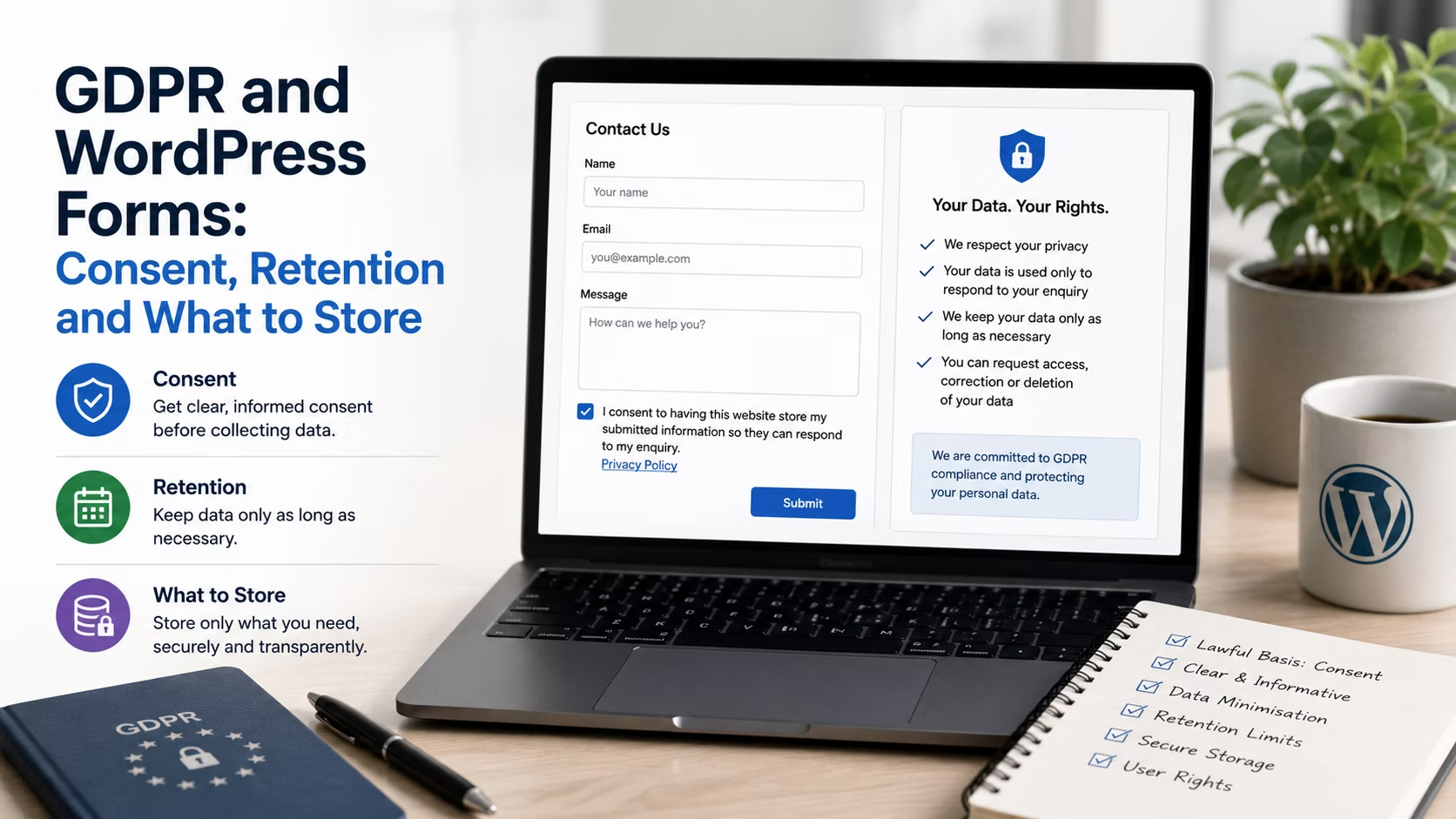
Every WordPress form on a client site collects personal data. Most of them store it in the database indefinitely, email a copy to at least one inbox, and record the visitor’s IP address without anybody having decided that they should.
None of this needs a lawyer to improve. The parts that matter are decisions about what you collect, why, and for how long, and they take about an hour per site. This is a practical guide rather than legal advice, and a client in a regulated sector should still take proper counsel.
Disclosure: some links in this article are affiliate links. If you buy through them we may earn a commission at no extra cost to you. It does not change what we recommend.
A consent checkbox is not the answer to everything
The reflex is to add a tickbox saying I agree to the privacy policy to every form. It is frequently the wrong instrument.
Under GDPR, processing needs a lawful basis, and consent is only one of six. Someone filling in a contact form to request a quote is asking you to respond, which normally falls under legitimate interests or steps taken prior to entering a contract. Demanding consent for the thing the visitor just explicitly requested adds friction and misrepresents the relationship.
Where consent genuinely is required is for anything beyond the immediate request. Adding the person to a mailing list, sending them marketing, or sharing their details with a third party all need a separate, unticked, specific opt-in.
- Wrong: one tickbox covering the enquiry, the newsletter and analytics together.
- Wrong: a pre-ticked box of any kind.
- Right: the enquiry proceeds on its own basis, with a separate unticked box for marketing that says exactly what will be sent.
Record what was agreed. Both major form plugins store the submitted values, which means the state of that checkbox is preserved with the entry. That record is the evidence of consent, and it is worthless if the entry is deleted a month later.
What your form plugin stores that you did not ask for
Open a form entry on any site you built more than a year ago and look at what is attached to it beyond the fields.
- IP address. Personal data under GDPR. Collected by default by most form plugins as a spam and audit measure.
- User agent and browser details. Contributes to fingerprinting.
- Referring page and sometimes a full user journey. Where the feature is enabled.
- Geolocation. Where a geolocation add-on is active, often derived from the IP.
- Partial entries. On forms with abandonment capture enabled, data from people who deliberately chose not to submit.
Each may be justifiable. The problem is that none of it was a decision, and your privacy policy almost certainly does not mention it. Both products let you disable IP collection per form, and it is worth doing on any form where it is not genuinely serving a purpose. WPForms exposes GDPR-oriented options for disabling user details and cookies, and Gravity Forms lets you turn off IP storage in the form settings.
Partial entries deserve their own decision. Data captured from a visitor who abandoned a form is data from someone who chose not to give it to you, which makes any marketing use of it hard to defend even where storing it for diagnosis is reasonable.
Set a retention schedule and automate it
The most common data protection failure on a WordPress site is not a breach. It is an entries table holding eight years of enquiries because nobody ever decided when to delete anything.
Storage limitation is a principle, not a suggestion: personal data should be kept no longer than necessary for the purpose. Decide the period per form and enforce it automatically.
| Form type | Reasonable retention | Reason |
|---|---|---|
| General contact enquiry | 6 to 12 months | Follow-up window, then no purpose |
| Quote request | 12 to 24 months | Repeat quotes and dispute window |
| Job application | 6 to 12 months | Only with the applicant told up front |
| Newsletter signup | Until unsubscribe | Consent record must outlive the subscription |
| Payment or order form | Per tax rules, often 6 to 7 years | Financial record keeping overrides |
| Partial or abandoned entries | 30 to 90 days | Diagnostic value only |
Both plugins support scheduled deletion of entries. Configure it once per form rather than promising to remember. On a portfolio this is exactly the sort of standard that belongs in your build checklist alongside the standard plugin stack, because it will never be done retrospectively across forty sites.
Handle a data request without panic
A person can ask what you hold about them, ask for it to be deleted, or ask for a copy. On a WordPress site the answer is usually spread across four places.
- Form entries in the database. Searchable by email in any serious form plugin.
- Notification emails. Sitting in one or more inboxes, and easy to forget.
- The CRM or mailing list. If the form pushes data onward.
- Backups. Where the data persists after deletion, usually until the retention window rolls over.
WordPress has built-in export and erase tools under Tools, and the major form plugins integrate with them so entries are included. Test that path once on your own address before a real request arrives. Backups are the honest complication: it is generally accepted that you do not restore a backup to delete one record, but you should be able to explain your backup retention and confirm the data will not return. That depends entirely on how the client’s backup schedule is configured.
Write the privacy notice the form actually needs
Link to the privacy policy near the submit button rather than burying it in the footer, and make sure the policy says what is genuinely true of that site: what is collected, why, how long it is kept, who else receives it, and how to ask for deletion.
A policy that does not mention the CRM the form pushes to, or the IP address the plugin stores, is inaccurate in exactly the way that matters. Fixing the wording is a fifteen minute job. Discovering the mismatch during a complaint is not.
Frequently Asked Questions
Do I need a consent checkbox on a contact form?
Usually not for the enquiry itself, because responding to someone who asked to be contacted generally rests on legitimate interests or pre-contract steps rather than consent. You do need a separate unticked opt-in for anything additional, such as adding them to a mailing list. Bundling both into one tickbox weakens the consent you are relying on.
Is storing an IP address with a form entry a problem?
An IP address is personal data, so it needs a purpose and a retention period like anything else. Spam prevention and audit are legitimate purposes, but many sites store it out of habit. Disable it where it serves no purpose, and where you keep it, say so in the privacy policy and delete it on the same schedule as the entry.
How long should form entries be kept?
Long enough to serve the purpose they were collected for, and no longer. Six to twelve months suits general enquiries, longer for quotes where repeat business is realistic, and financial records follow tax rules instead. The specific number matters less than having decided one and automating the deletion.
Does deleting an entry remove it from backups?
No, and that is generally accepted. Restoring a full backup to erase one record is disproportionate. What you should be able to state is your backup retention period, and confirm that the record will not be reintroduced into live data if a restore happens, which usually means re-running the deletion after any restore.
Do these rules apply if the client is not in the EU?
They apply based on whose data is being processed, not where the business sits, so a site attracting EU or UK visitors is in scope. Beyond that, similar principles now appear in several US state laws and elsewhere. Building to a clear consent and retention standard is simpler than maintaining a different form policy per jurisdiction.
Pick the right lawful basis instead of reaching for a checkbox, turn off the data collection nobody decided on, set a retention schedule per form and automate it, and make the privacy policy describe what the site genuinely does. That covers most of the exposure on most client sites.
Need a WordPress developer?
Let's build something fast, scalable, and SEO-ready — from a custom theme to a full headless stack.
Get in Touch