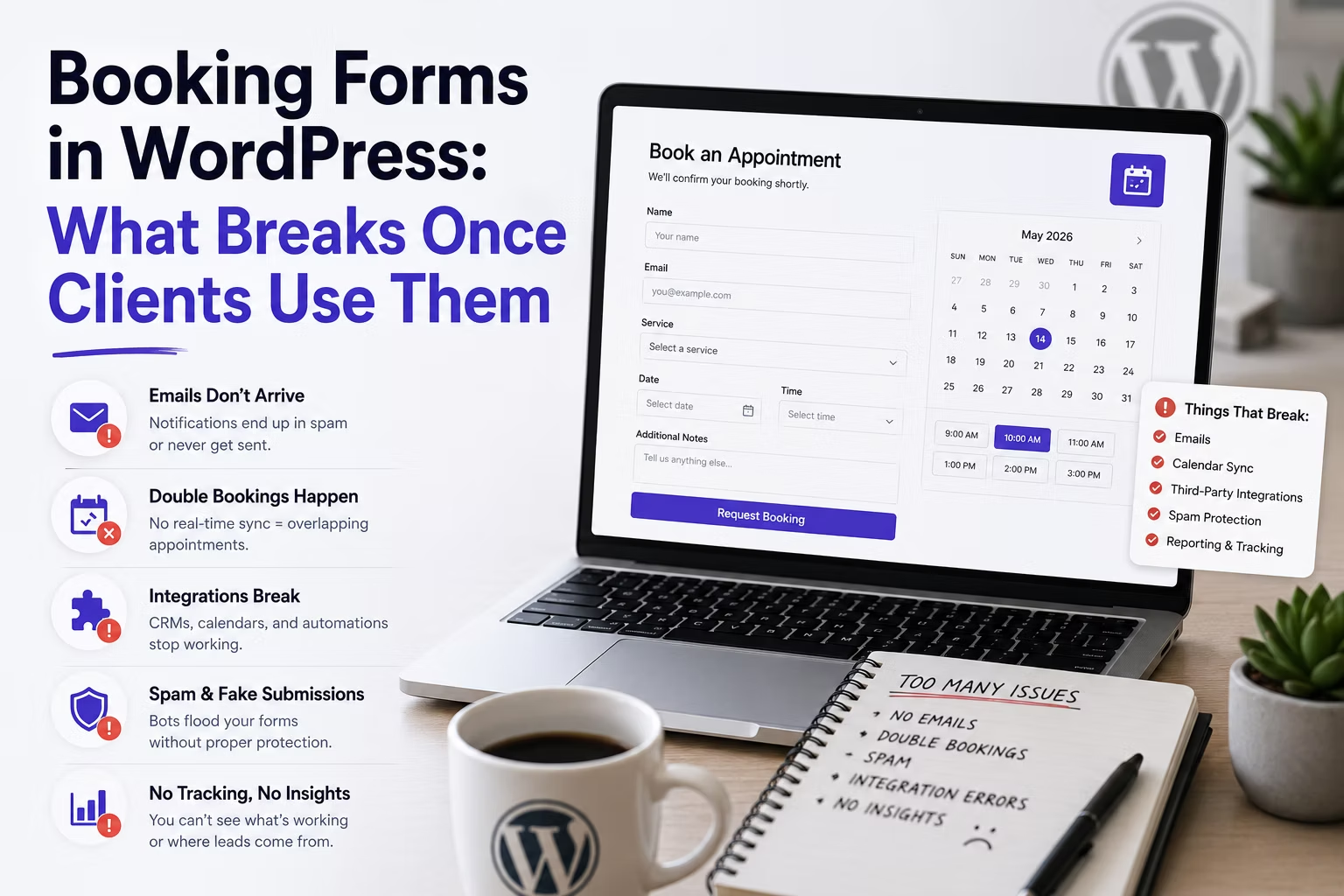
A booking form demos beautifully. Pick a date, pick a time, submit, done. Then it goes live and meets reality: two people book the same slot, a client in another time zone arrives an hour early, and somebody books a Tuesday the business closed for a bank holiday.
None of that is exotic. It is the standard set of failures for anything that turns a form submission into a commitment on somebody’s calendar, and it is worth designing for before launch rather than patching afterwards.
Disclosure: some links in this article are affiliate links. If you buy through them we may earn a commission at no extra cost to you. It does not change what we recommend.
Decide first whether you are building a booking system
There is a real distinction, and getting it wrong is the most expensive decision in this whole area.
- A booking request form collects a preferred date and time and sends it to a human, who confirms or offers an alternative. It is a form. Nothing is reserved.
- A booking system holds real availability, prevents double bookings, writes to a calendar and sends reminders. It is an application that happens to have a form on the front.
A great many businesses need the first and get sold the second. If the client has one practitioner, a diary they already trust and fewer than a dozen appointments a week, a request form with clear expectations beats a scheduling engine that has to be kept in sync with the diary they will keep using anyway.
Ask one question to decide: is the visitor allowed to leave believing the appointment is confirmed? If yes, you need real availability. If no, a request form is honest, simpler and far less likely to fail.
Time zones will catch you out
The most common production bug in booking is that WordPress, the server, the calendar and the visitor disagree about what time it is.
Three settings must be reconciled deliberately. WordPress has a site time zone, which should be the client’s business time zone rather than UTC. The server has its own, which is often UTC and does not have to match. The visitor’s browser has a third, which is whatever their device says.
Decide explicitly which one the form displays, then label it in the interface. 2:00pm is ambiguous. 2:00pm, London time is not. For a business serving one local market, showing business time and saying so is almost always right. For anything international, converting to the visitor’s local time is better, provided the confirmation email states both.
Test around a daylight saving transition before handover if the launch is anywhere near one. Slots that shift by an hour on the last Sunday in March are the classic post-launch support ticket.
Preventing double bookings is a data problem
If the form is only a request, this does not apply. If slots are genuinely reserved, understand what actually guarantees it.
Two people can load the same page, see the same free slot and submit within seconds of each other. Availability checked when the page rendered is stale by the time the second submission arrives. A booking system worth the name re-checks at submission and rejects the loser gracefully, ideally offering the nearest alternative rather than an error.
This is the single strongest argument for using an established scheduling product rather than assembling one from a form plugin and conditional logic. A dedicated tool has already solved the race condition, the buffer times and the cancellation flow. A form plugin is superb at collecting structured information, which is why Gravity Forms is a sensible front end for a booking request, and a poor substitute for an availability engine.
Design for the failures the client will actually hit
| Failure | Where it comes from | Design response |
|---|---|---|
| No-shows | No reminder, or booked too far ahead | Reminder 24 hours before, easy reschedule link |
| Bank holiday bookings | Availability rules that only know weekdays | Explicit closure dates the client can edit |
| Back-to-back overruns | No buffer between slots | Buffer time in the availability rules |
| Confirmation in Junk | Unauthenticated sending domain | Authenticated SMTP and a correct From address |
| Cannot cancel | No self-service link | Cancel and reschedule links in every message |
| Booked the wrong service | One generic form for everything | Service selected first, availability follows |
The reminder is the highest-value item on that list. On appointment-based businesses it reduces no-shows more than any change to the form itself, and it costs one scheduled email.
Calendar sync is not a checkbox
Clients ask for bookings to appear in Google Calendar or Outlook, and it sounds trivial. In practice ask three questions before promising it.
- Which direction? Writing a booking into the calendar is easy. Reading the calendar so that a manually added personal appointment blocks the slot is the hard half, and it is the half clients assume they are getting.
- Whose calendar? A single shared account is simple. Per-staff calendars with individual availability is a different product entirely.
- What happens when the connection breaks? OAuth tokens expire. If sync fails silently, bookings stop appearing and nobody notices until someone misses an appointment.
Whatever you build, the client’s calendar must not be the only record. Keep the booking in WordPress or the scheduling tool as the source of truth, so a failed sync is an inconvenience rather than lost data. That includes the backup story, which is worth confirming against the client’s backup setup if bookings are business critical.
What to check before handover
- Book a real appointment as a visitor, on mobile, and read every email that arrives.
- Confirm the client receives the notification at the address they actually monitor.
- Try to double book the same slot in two browsers at once.
- Book across a time zone boundary using a VPN or a device set elsewhere.
- Cancel a booking and confirm the slot is genuinely released.
- Add a closure date and confirm it removes availability.
Every one of those has failed on a real site, usually within the first month. Twenty minutes of adversarial testing before handover is cheaper than the phone call afterwards, and the same principle applies to the wider mistakes that show up after a build goes live.
Frequently Asked Questions
Can a form plugin handle bookings on its own?
For booking requests, yes, comfortably. A date field, a time preference and conditional logic covers a business that confirms every appointment manually. For genuine reserved availability with double-booking prevention, buffers and cancellations, use a dedicated scheduling tool. The dividing line is whether the visitor leaves believing the slot is theirs.
Which time zone should the booking form display?
The business time zone for a local service business, clearly labelled next to every time. Converting to the visitor’s local time is better for international audiences, but only if the confirmation email states both times explicitly. The failure is never conversion itself, it is showing a time with no time zone attached.
How do I stop two people booking the same slot?
Re-check availability at the moment of submission rather than relying on what was free when the page loaded, and handle the losing request gracefully by offering the nearest alternative. This race condition is exactly why an established scheduling product is worth using when slots are genuinely reserved.
Do booking reminders actually reduce no-shows?
Consistently, yes, and it is the cheapest improvement available on an appointment-based site. A message roughly 24 hours ahead with the time, the location and a one-click reschedule link removes both forgetfulness and the awkwardness of cancelling, which is what causes many no-shows in the first place.
Should bookings write to the client’s Google Calendar?
It is a genuine convenience, but keep the booking system as the source of truth rather than the calendar. Confirm whether the client needs two-way sync so their own manual entries block availability, and make sure a broken connection surfaces visibly instead of failing silently.
Decide whether you are building a request form or a reservation system, label your time zones, test for double bookings adversarially, and send a reminder. Almost every booking failure in production traces back to one of those four.
Need a WordPress developer?
Let's build something fast, scalable, and SEO-ready — from a custom theme to a full headless stack.
Get in Touch